

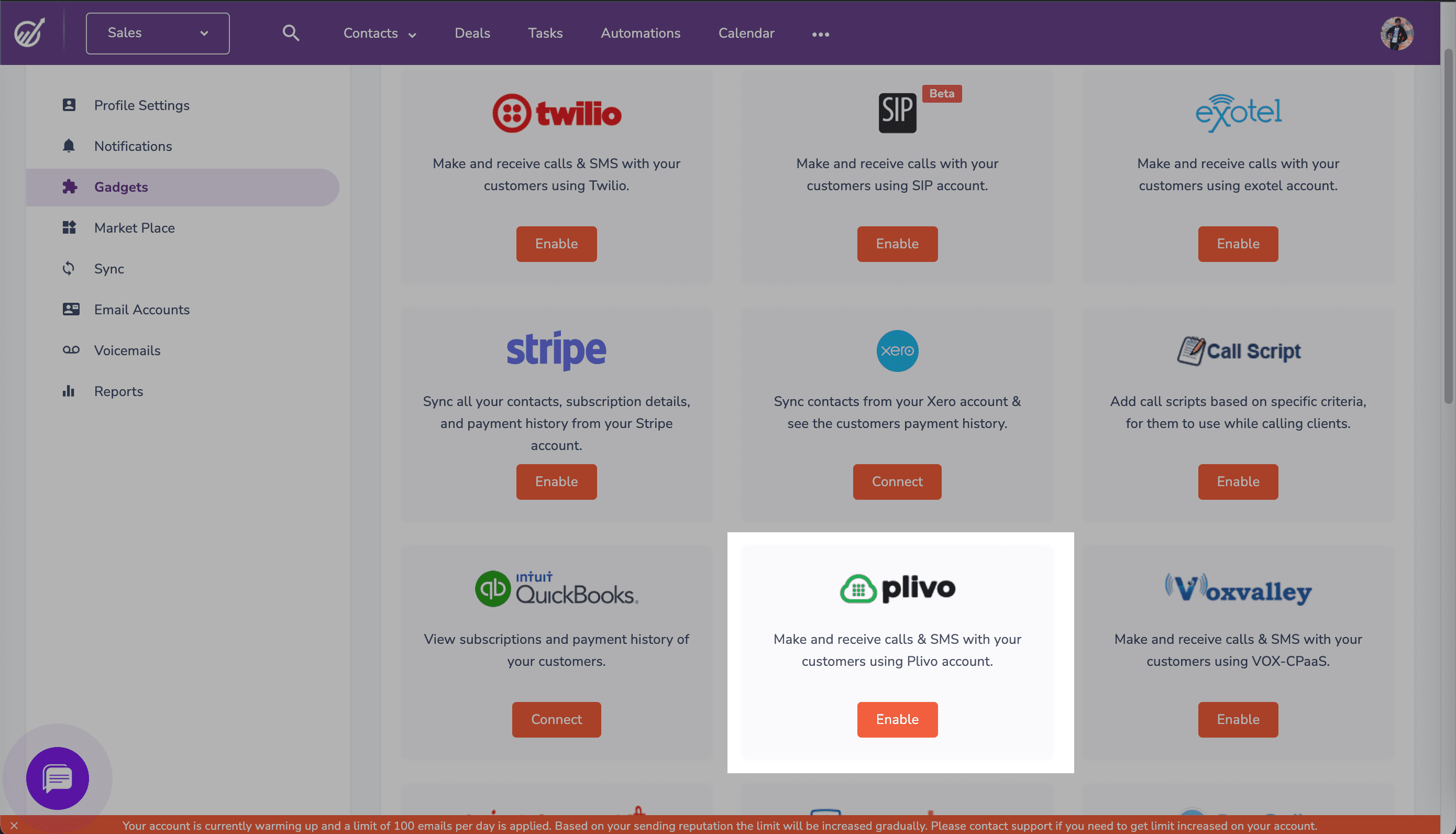
Enable Plivo Integration On Engagebay
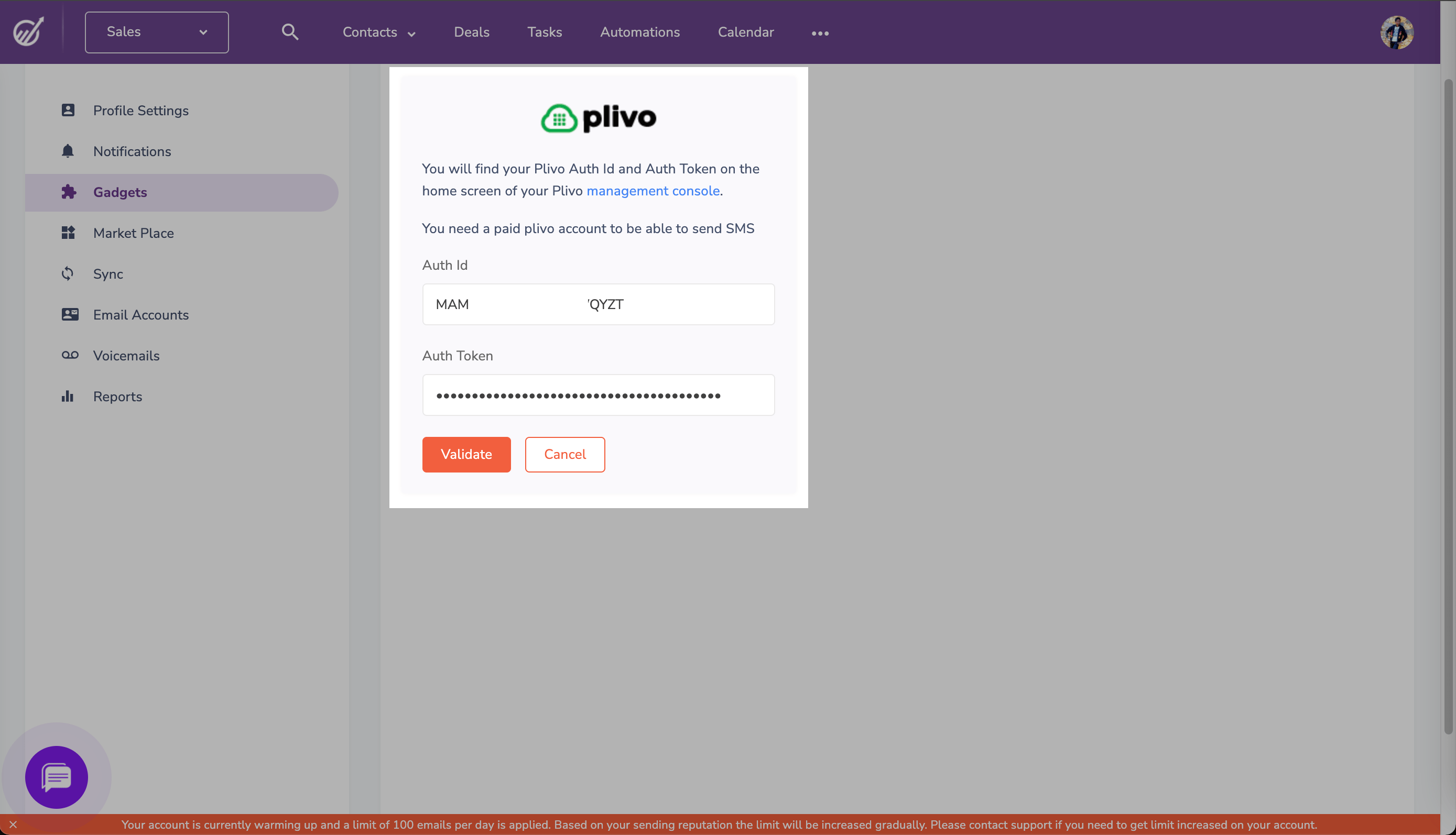
Configure Your Plivo Auth ID And Auth Token
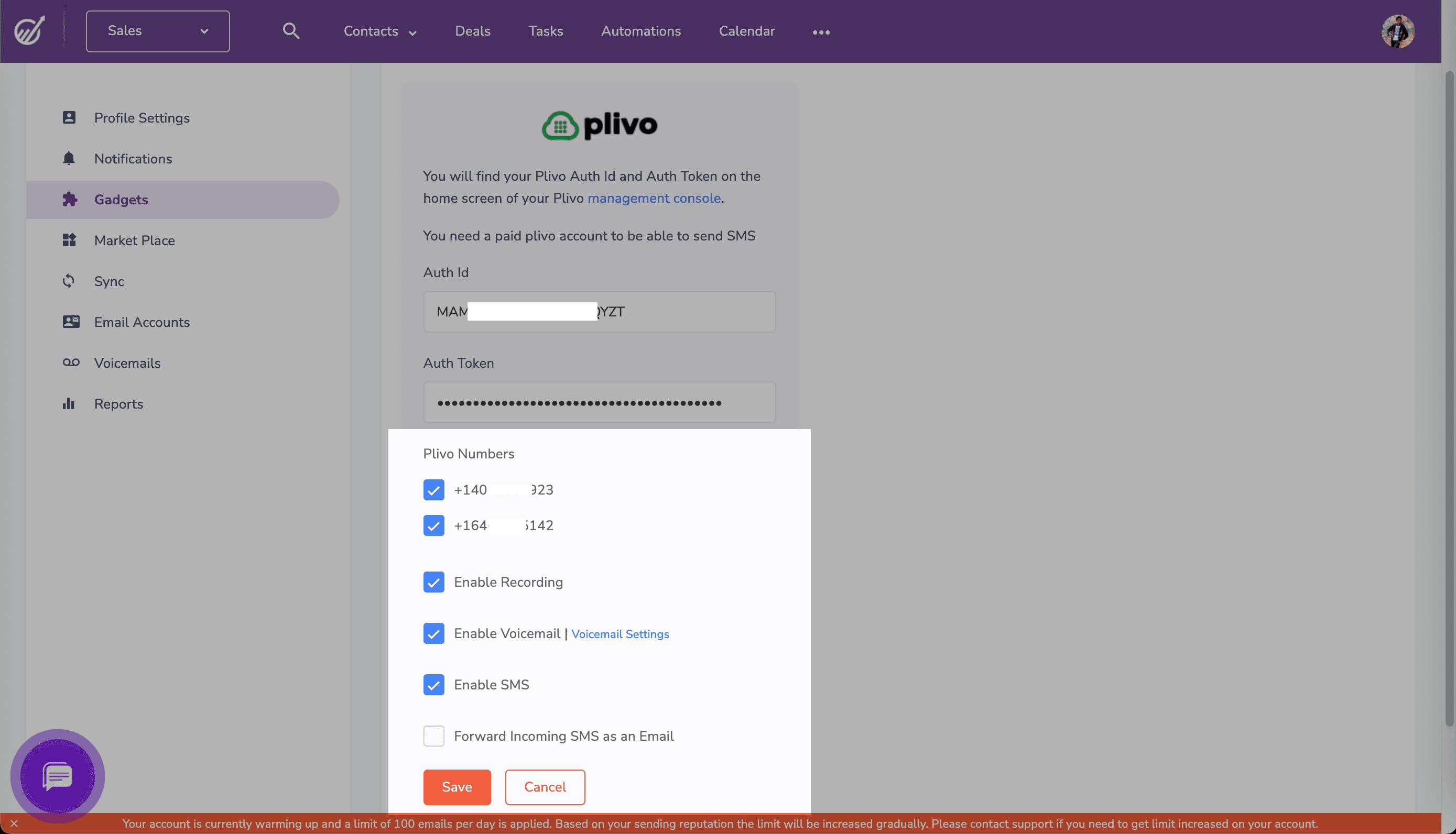
Configure Other Options
Configure your Plivo credentials in the EngageBay dashboard
Enable Plivo Integration On Engagebay
Configure Your Plivo Auth ID And Auth Token
Configure Other Options