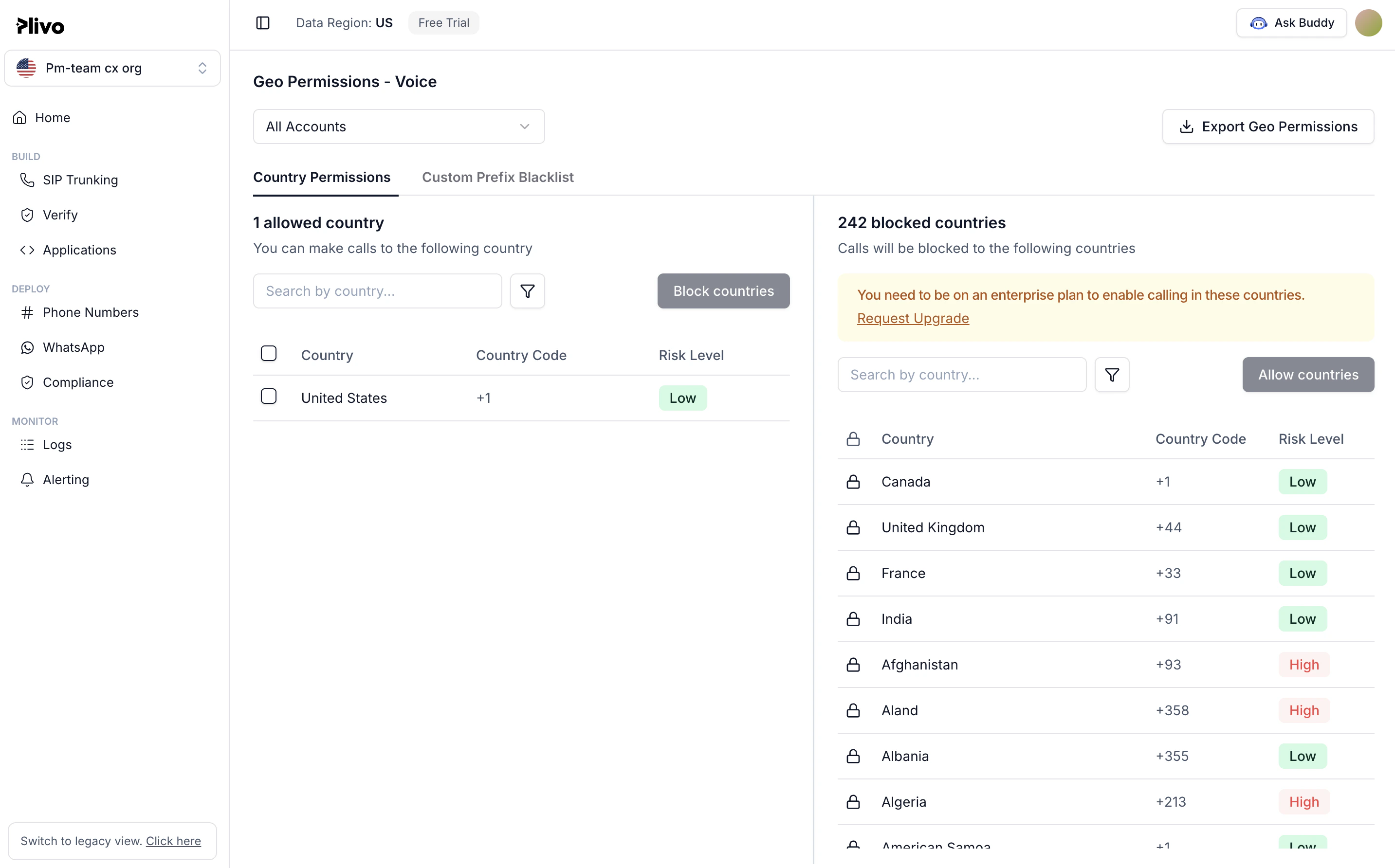
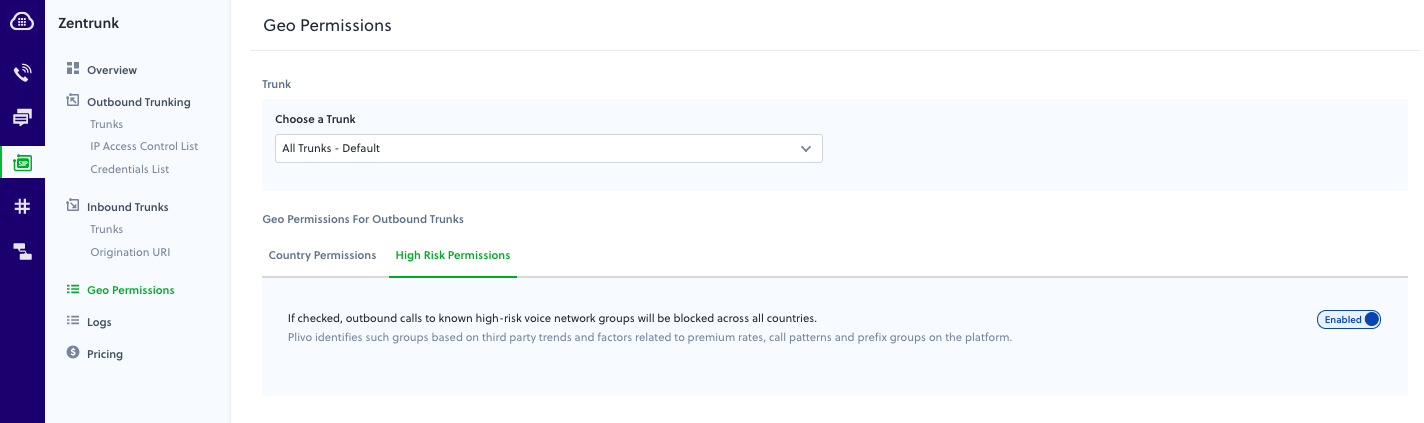
- What: Control which countries your Zentrunk SIP trunk can call, to prevent toll fraud from compromised trunks.
- When: Toggle countries in the Console. All countries are allowed by default; blocked calls fail.
- Calls placed to high-risk premium destinations
- Overnight loss of credits
- Calls placed from your account to unknown numbers, leading to unintended consequences
Outbound SIP trunk geo preferences
You can restrict the list of countries to which users can place calls through Zentrunk. To do this, on the Plivo console, navigate to Zentrunk > Geo Permissions. Placing a country-level block: By default, calling to all countries is allowed. You can deselect specific countries, then click Save Changes. The new country restrictions go into effect immediately. Zentrunk will not allow calls to countries that are deselected.