

PIN verification lets a caller join a number masking session even when dialing the virtual number from a number not registered in that session. Registered numbers connect automatically; unknown numbers are prompted for a PIN.
Overview
Plivo’s number masking solution uses an intermediary virtual number to preserve the anonymity of both parties during a call. Customers can initiate a number masking session with pre-registered first and second-party numbers. However, situations may arise where a caller might use a number not previously included in the masking session. To accommodate such instances, Plivo introduces PIN verification as a means to authenticate and seamlessly connect these callers.How PIN-based authentication works
To see how number masking with PIN authentication works, suppose you have a web or mobile application with which you want to connect two participants in a voice call.- The application collects the phone numbers of the two parties whose numbers you wish to mask.
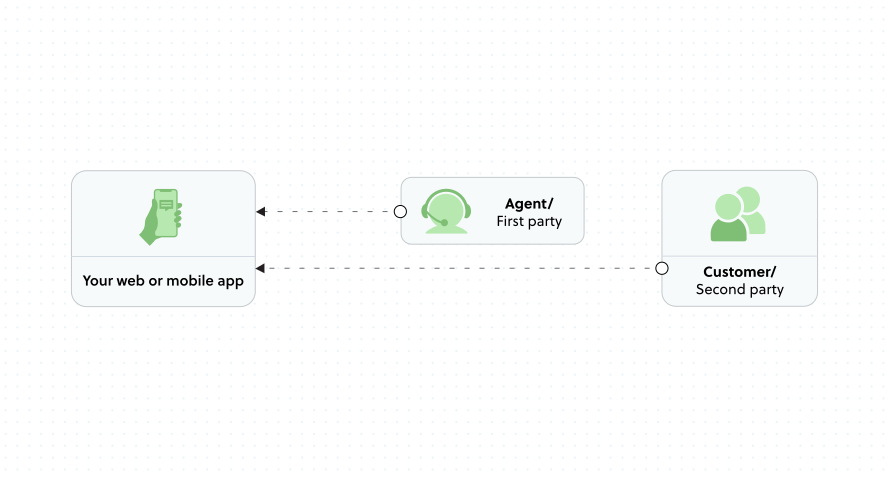
Number Masking API Agent
- The application makes a Number Masking API request to Plivo with the phone numbers and authentication parameters.
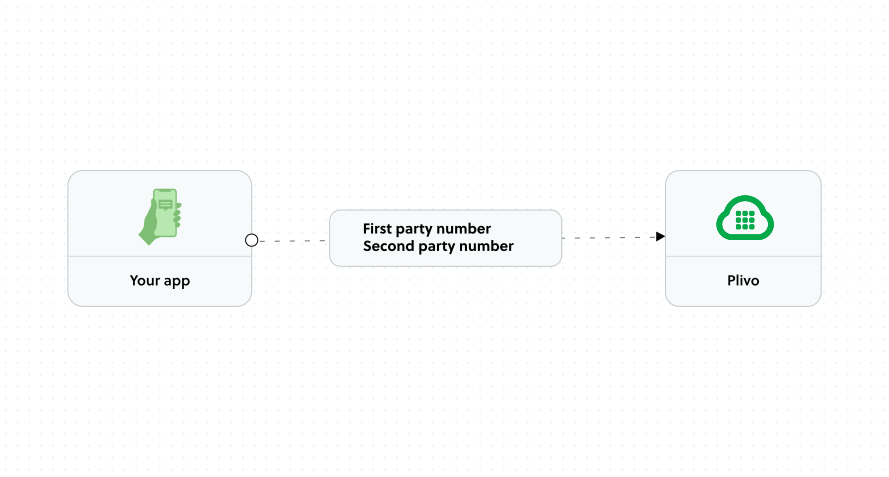
Number Masking API Party Number
- Plivo creates a number masking session and assigns to it a virtual phone number from your Plivo account.
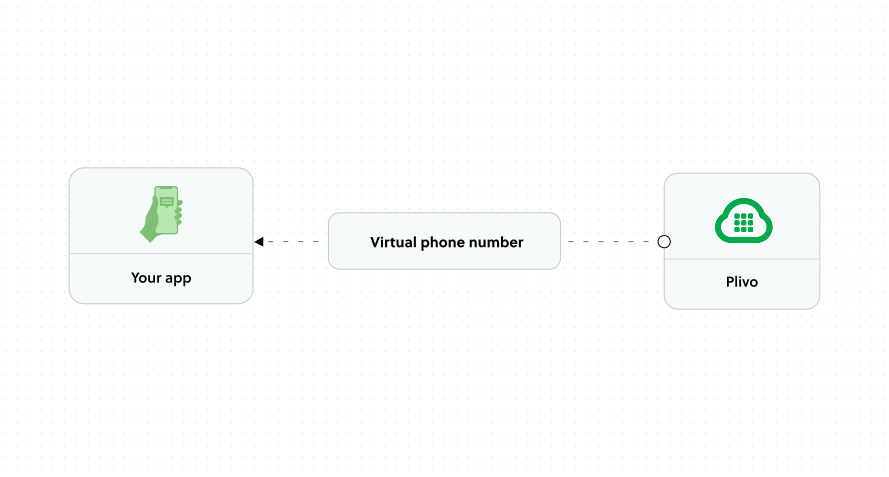
Number Masking API Virtual Number
- Both parties receive the virtual phone number, along with unique PIN codes that both parties will use to enter the call if calling from an unknown number.
- If either party calls the virtual phone number from a registered number, they will automatically be connected. The caller ID is set to the virtual phone number, masking the real phone numbers of both parties from each other.
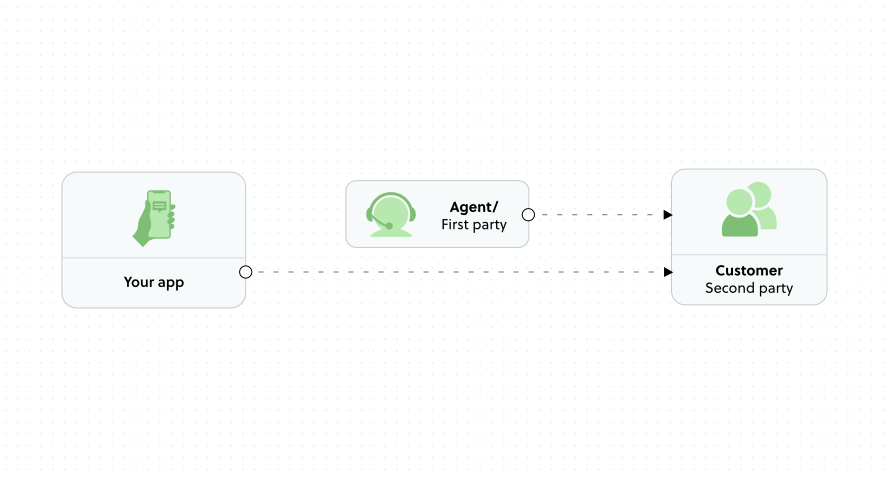
Number Masking API Customer
- If either party dials the virtual phone number from an unknown number, they will be prompted to enter the PIN. Once the authentication is successful, they will be connected.
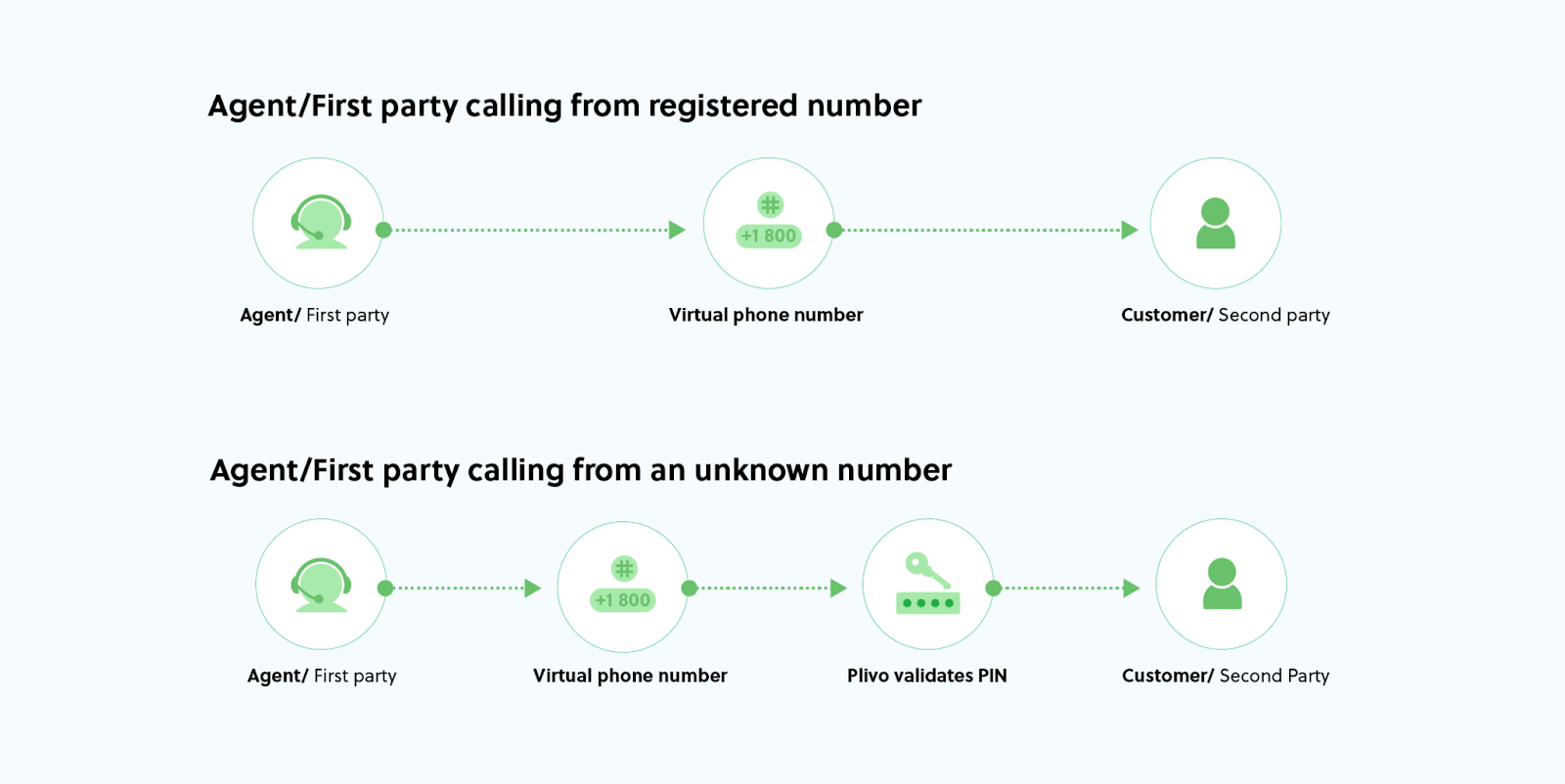
PIN-Based Authentication
Session
Plivo’s session object assigns unique PINs to both call participants. If an unregistered caller dials the virtual number, the Number Masking API prompts this caller to verify their identity using a PIN. The caller is connected once the PIN is successfully authenticated. Participants have two options for setting PIN numbers:- They can set their own unique PINs, or
- Allow Plivo’s Number Masking API to generate and assign PINs
Interaction
When a registered caller dials the virtual number, Plivo seamlessly connects the call without requiring further authentication. However, if a caller dials the virtual number from an unregistered number, Plivo prompts the caller to enter their PIN for authentication purposes. This authentication is necessary for Plivo to connect the caller to the call. If the entered PIN matches the first party’s PIN, the call is connected to the second party, and vice versa.Callbacks
For improved tracking and asynchronous updates, Plivo sends PIN authentication status callbacks to your application server. This record allows you to monitor successful and failed interactions. PIN authentication callbacks also provide visibility into the percentage of interactions occurring from registered and unregistered numbers for further analysis. Refer to session callbacks for more details on PIN authentication status-related callback attributes.Next steps
- Create a session — Implement PIN-based authentication in your application
- Number Masking overview — Learn more about number masking concepts